What Is Gamification in Education?
Wed, 07 October 2026

Inspirational journeys
Follow the stories of academics and their research expeditions
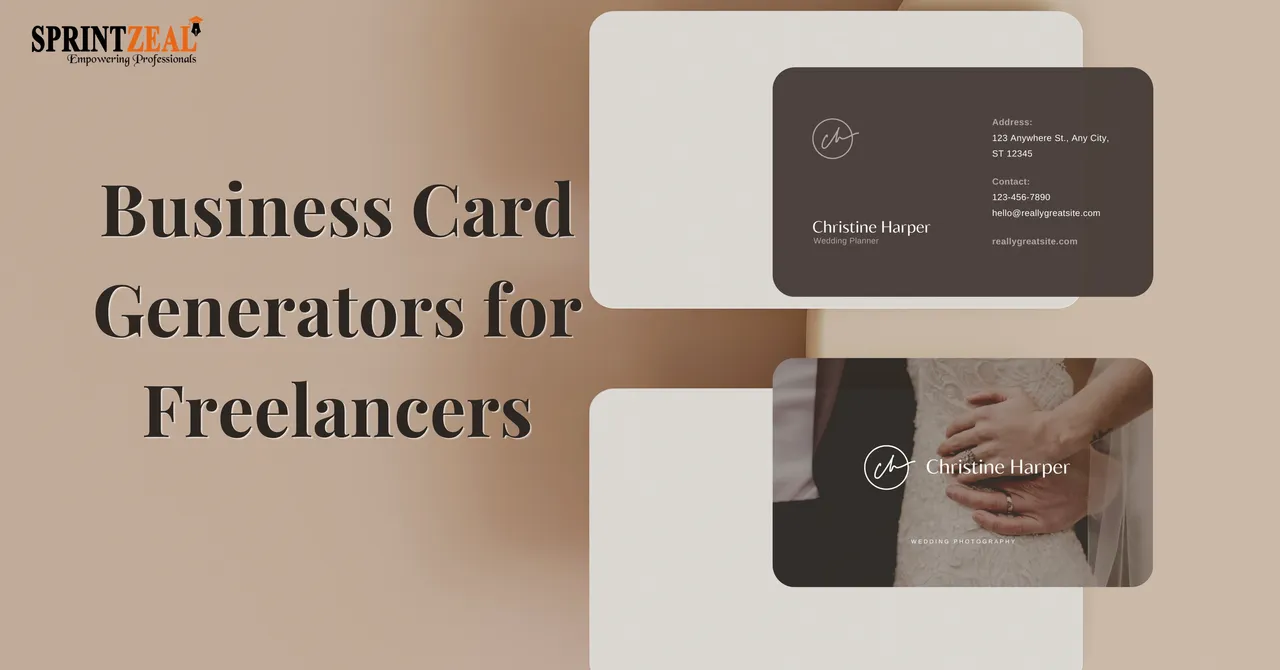
Getting a business card used to mean choosing between two painful options: spending hours doing it yourself or handing over serious cash to a designer.
But with the advancement of online business card makers, freelancers finally have a better way. These tools offer the quickest path to a professional-looking card without draining your schedule or your wallet.
The problem is not every tool delivers the same experience. Some prioritize stunning templates, others are built for simplicity, and a handful offer robust print-on-demand options. A few try to check every box at once, with varying degrees of success.
So how do you cut through the noise? We put the top contenders to the test using a structured scoring system built around what freelancers actually need.
Here's how they stack up.
|
Tool |
Template Quality (30%) |
Customization Flexibility (20%) |
Ease of Use (20%) |
Download & Print Options (15%) |
Value for Money (15%) |
Total Score |
|
What We Evaluated |
Variety and Relevance |
Editing Depth |
Speed, Intuitiveness |
File Formats & Print Readiness |
Pricing vs Output Quality |
|
|
Design.com |
30/30 |
20/20 |
20/20 |
15/15 |
15/15 |
100/100 |
|
BrandCrowd |
28/30 |
19/20 |
19/20 |
15/15 |
14/15 |
95/100 |
|
Canva |
26/30 |
17/20 |
17/20 |
13/15 |
12/15 |
85/100 |
|
VistaPrint |
24/30 |
16/20 |
16/20 |
12/15 |
12/15 |
80/100 |
|
Adobe Express |
25/30 |
16/20 |
16/20 |
12/15 |
11/15 |
80/100 |
The scores tell part of the story. But knowing why each tool ranked the way it did helps you make a smarter choice for your freelance work. Here's a closer look at each platform we tested, including what they do well and where they fall short.
Score: 100/100
Why it ranks #1:
Take a look at how the templates adapt across industries, from tech startups to fashion boutiques.
See just how much range the library actually covers.
The editing side keeps up with that variety. Swapping colors, adjusting layouts, curving text, or adding a gradient takes just a few clicks, so you can make a template feel like yours without needing any design background.
Verdict: For freelancers, the editing experience alone makes Design.com worth trying. It's intuitive enough that you won't spend an hour figuring out where things are, but powerful enough that your final card won't look like everyone else's.
The template library backs that up. With over 20,000 options sorted by industry, you're not hunting through irrelevant designs. And if you'd rather skip the browsing entirely, Design.com’s AI business card maker gives you a solid starting point in seconds.
Score: 95/100
What it does well:
See BrandCrowd’s polished templates.
Verdict:
BrandCrowd's business card generator is a close second on our list, and it earns that spot through sheer visual quality. The platform puts a lot of weight on how the final product looks, and it shows. Designs feel considered rather than thrown together, with typography and layout choices that actually complement each other.
For freelancers who want something that looks refined without spending a lot of time tweaking, BrandCrowd gets you there fast. Most templates are ready to use with minimal adjustments, which is a big plus when you're running a one-person operation and time is tight.
Score: 85/100
What it does well:
Look at the business card Canva generates.
Verdict:
Canva is a decent option for freelancers who just need something quick and simple. The editing experience is familiar and the template library is large, so getting started doesn't take much effort.
The tradeoff is that the results tend to look like everyone else's. The templates get the job done but don't do much to help you stand out, which matters more than people think when you're handing a card to a potential client for the first time.
Score: 80/100
What it does well:
Here’s a business card produced by the tool.
Verdict:
VistaPrint is more of a printing service than a design tool, and that shows. The process of getting cards ordered and delivered is straightforward, but the design experience feels like an afterthought compared to what other platforms offer.
The template library is limited and the editing tools are basic. Freelancers who already have a design ready and just need a reliable place to print will find it useful enough, but those looking to create something from scratch may find the opti
Score: 80/100
What it does well:
Check out the business card generated by this tool.
Verdict:
Adobe Express works, but it comes with strings attached. The free version cuts off access to a good chunk of the features, and paying for an Adobe subscription just to make a business card is a hard sell for most freelancers.
The templates are clean and the editing is smooth, but neither is exceptional enough to justify the extra cost over free alternatives that perform just as well or better.
Your business card is often the first physical thing a potential client holds from you so it's worth getting right.
After testing all five tools, the gap between the top options and the rest becomes pretty clear.
Design.com takes the top spot for good reason. It's the most complete package on this list, balancing design quality, template variety, and ease of use in a way that genuinely works for freelancers. You're not sacrificing one thing to get another. The templates are strong, the editing is smooth, and the AI generator gives you a head start when you don't want to build from scratch. For a freelancer who needs a card that looks professional without spending hours on it, Design.com is the straightforward answer.

Wed, 07 October 2026
Fri, 02 October 2026
Wed, 30 September 2026
Tue, 29 September 2026
Fri, 25 September 2026

Tue, 22 September 2026

Tue, 22 September 2026
Thu, 17 September 2026
Wed, 16 September 2026
Wed, 16 September 2026

© 2026 Sprintzeal Americas Inc. - All Rights Reserved.

 USA : +1315-322-7821
 UK : +44 7700 174870
 IND : +919036108287
 AUS : +61 480 005 455