How Certified Professionals Turn a Credential Into Career Momentum
Wed, 21 October 2026

Inspirational journeys
Follow the stories of academics and their research expeditions
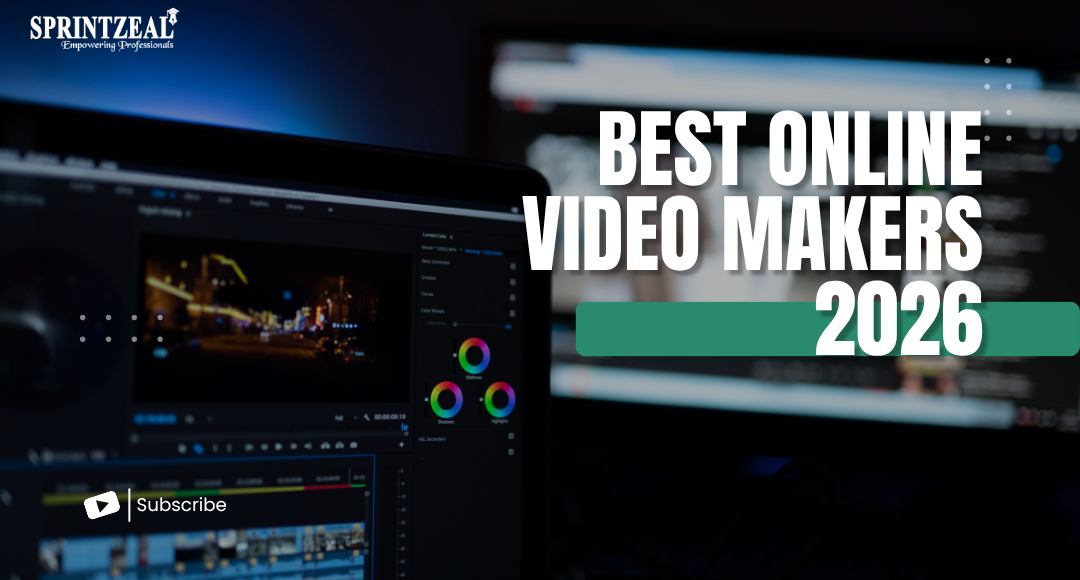
Creating high-quality videos quickly has never been easier. With the Best Online Video Maker 2026, content creators, marketers, and businesses can edit videos seamlessly without complicated software. Clideo offers a range of intuitive online tools to make video production simple and efficient.
Traditional video editing software can be costly, require downloads, and involve steep learning curves. Online video makers like Clideo allow you to:
Clideo, trusted by millions of users worldwide, provides a comprehensive suite of tools suitable for both beginners and professionals.
Clideo’s video editor supports basic and advanced edits:
Its intuitive interface ensures that even those new to video editing can produce polished videos in minutes.
Adding subtitles is crucial for engagement. Clideo’s Add Subtitles tool:
This helps videos reach a global audience while improving accessibility.
Large video files can be challenging to share. Clideo’s Compress Video and Video Converter tools:
For social media, resizing videos is essential. Clideo tools allow you to:
Clideo offers extras like:
Do I need to download software to use Clideo?
No, Clideo is fully browser-based and works online.
Can I edit videos on my phone?
Yes, Clideo’s tools are mobile-friendly and work on any device.
Is there a watermark on free videos?
Free versions may include a watermark. Upgrading removes it.
Which video formats does Clideo support?
MP4, AVI, MOV, MKV, and more.
Can I add subtitles automatically?
Yes, Clideo can auto-generate subtitles and lets you edit them manually.
The Best Online Video Maker 2026 for Quick Editing like Clideo combines efficiency, ease, and versatility. Whether you’re producing social media content, marketing videos, or personal projects, Clideo offers a reliable, cloud-based solution to simplify video creation. Start using Clideo today and experience fast, professional-quality editing without the hassle.

Wed, 21 October 2026
Thu, 15 October 2026

Wed, 14 October 2026

Tue, 13 October 2026
Wed, 07 October 2026

Fri, 02 October 2026

Wed, 30 September 2026
Tue, 29 September 2026
Fri, 25 September 2026
Tue, 22 September 2026


© 2026 Sprintzeal Americas Inc. - All Rights Reserved.

 USA : +1315-322-7821
 UK : +44 7700 174870
 IND : +919036108287
 AUS : +61 480 005 455