How Certified Professionals Turn a Credential Into Career Momentum
Wed, 21 October 2026

Inspirational journeys
Follow the stories of academics and their research expeditions
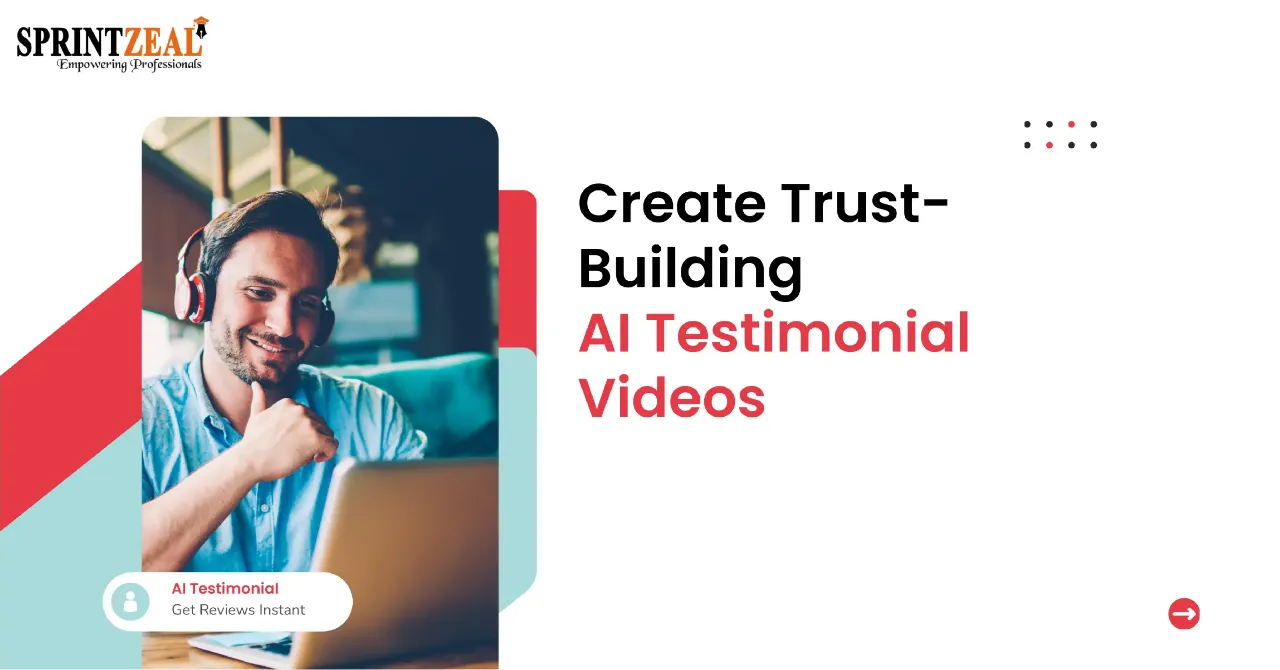
In 2026, creating a polished testimonial video can be much easier than many people expect. With an AI testimonial video maker, a written review, a short script, or a single image can be enough to get started.
You do not need to book a camera crew, chase customers for footage, or learn complex editing software. This guide explains how to create a testimonial video with AI, what to focus on, and how Pollo AI can help you produce results that feel authentic and convert.
People trust other people. A video review can hold attention longer than text, and it can make your offer feel safer. With an AI tool, you can turn a written review into a video without asking the customer to appear on camera. It also helps you create multiple versions quickly, so you can test what works best on landing pages, ads, and social feeds.
Pollo AI’s testimonial video maker is built for this. It converts text reviews into lifelike videos with human-like lip sync, making social proof easier to publish.
AI testimonial videos work best when they feel specific. Avoid generic praise like “Great product!” Instead, use the customer’s real words and include a clear result. For example: “I was nervous about switching software, but the onboarding took one afternoon, and my team saved three hours a week.”
Then match the avatar and voice to your audience. A calm, professional voice may work for B2B software. A brighter tone may fit an ecommerce brand. The goal is not to trick anyone. The goal is to present a real customer message in a more engaging format.
Focus on three details: natural lip sync, short sentences, and clean branding. Pollo AI’s human-like lip sync helps the video feel more natural, while custom logos and colors keep it consistent with your brand.
If you want to create a testimonial video with AI, start with one strong review. Here is a simple workflow.
Pick a review that mentions a problem, a solution, and an outcome. Shorten it to one or two sentences if needed. Keep the customer’s natural phrasing whenever possible.
In Pollo AI, upload an image of the subject you want to present, or choose a suitable AI avatar. Use a clear, well-lit image. If the testimonial represents a real client or customer, get permission before publishing.
Paste the testimonial script. Choose a voice, tone, and video format. For TikTok, Instagram Reels, or YouTube Shorts, use vertical video. For a website hero section or landing page, horizontal video may look better. Add your logo, brand colors, or custom background if needed.
Click Create, then review the video carefully. Check the lip sync, pronunciation, and pacing. If the script sounds too formal, rewrite it in a conversational style. When you are satisfied, download the high-quality video and publish it where your audience spends time.
A testimonial video should look connected to your brand. Keep the design simple: place your logo in a corner, use one or two brand colors, and add captions for viewers who watch without sound. A clean layout builds trust faster than heavy effects.
You can also create several versions of the same review. Change the opening line, voice, avatar, or visual style. For example, test hooks like:
Then compare watch time, clicks, and conversions. This helps you scale social proof without asking customers for more footage.
Each platform has a different style. TikTok and Instagram favor fast, vertical videos. LinkedIn works better with concise, professional messaging. A website testimonial can be slower and more detailed.
To adapt one review for multiple channels:
AI testimonial videos are useful for many teams. Ecommerce brands can turn written reviews into short video ads. SaaS marketers can create case-study style clips for landing pages. Real estate professionals can share happy homeowner stories to build local trust. Agencies can produce multiple client testimonial variations for campaigns.
Pollo AI is also useful beyond testimonials. You can create social media videos for your campaign, make a video for birthday, generate product teasers, and personalized messages. Pollo AI’s simple workflow can help you produce content for holidays, launches, events, and everyday brand storytelling.
Use these tips to keep your videos credible:
If you want to create a testimonial video with AI, start small. Choose one review, make one clean video, and publish it where customers can see it. Then repeat the process with your best feedback. With Pollo AI’s testimonial video maker, you can turn happy reviews into helpful, high-converting videos without a big budget.

Wed, 21 October 2026
Thu, 15 October 2026

Wed, 14 October 2026

Tue, 13 October 2026
Wed, 07 October 2026

Fri, 02 October 2026
Wed, 30 September 2026
Tue, 29 September 2026
Fri, 25 September 2026
Tue, 22 September 2026


© 2026 Sprintzeal Americas Inc. - All Rights Reserved.

 USA : +1315-322-7821
 UK : +44 7700 174870
 IND : +919036108287
 AUS : +61 480 005 455