How Certified Professionals Turn a Credential Into Career Momentum
Wed, 21 October 2026

Inspirational journeys
Follow the stories of academics and their research expeditions
For the fifth year in a row, no category of fraud generated more complaints to the Federal Trade Commission (FTC) than imposter scams, which made up nearly one in three fraud reports in 2025.
FTC data from 2025, recently published in July 2026, reports that Americans collectively lost $3.5 billion to imposter scams in 2025, and these losses increased nearly three times since 2020. A big share of it started with a single unknown contact, a call or a text from a number that victims didn’t recognize.
That statistic is the reason reverse lookup sites exist, and it's the reason I finally tried one.
I'd seen these reverse phone tools advertised for years and always scrolled past. Then curiosity won, and I picked a platform after some research called ClarityCheck for a full week.
This ClarityCheck.com review is what came out of a week of using it properly.
I'll walk you through what you can search with the tool, what the reports usually show, what you have to pay, and how the tool compares to its competitors.
Let’s start with a brief introduction to ClarityCheck.
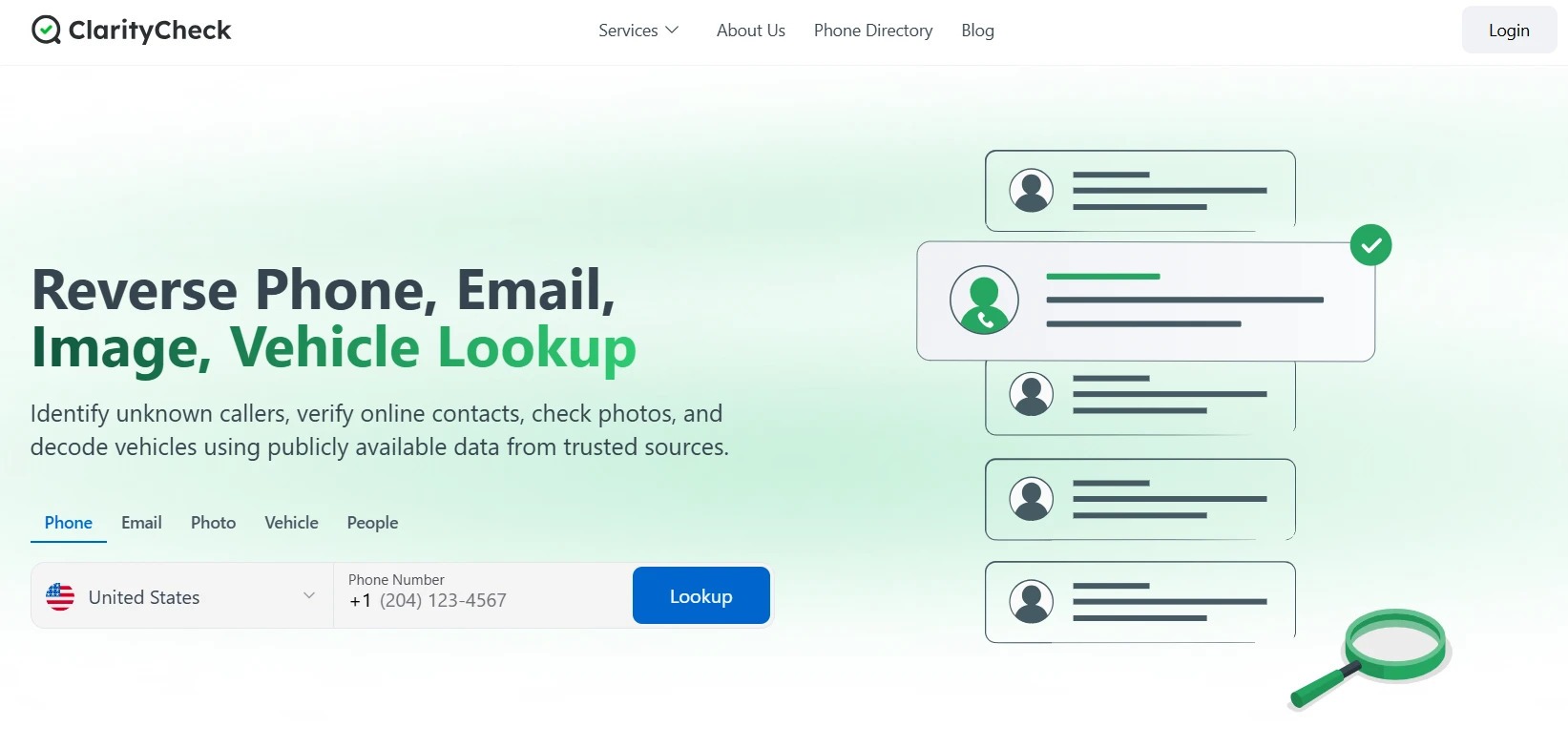
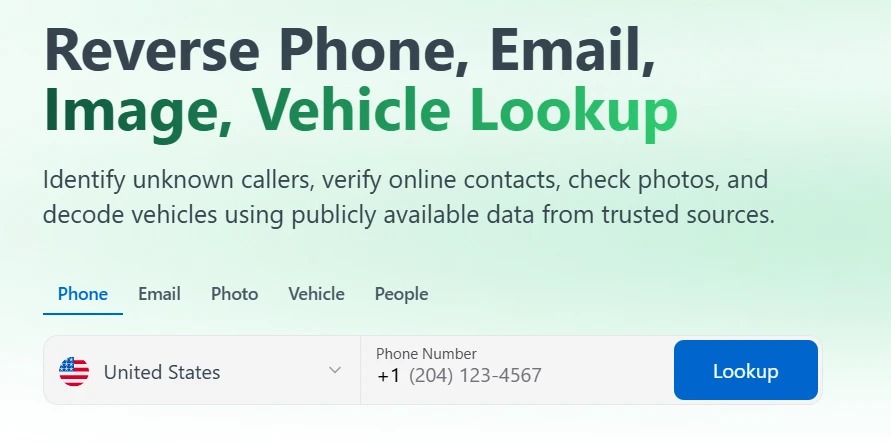
ClarityCheck is a reverse lookup site where you can look up someone based on five different types of identifiers, including a phone number, an email address, a photo, a vehicle VIN, or a person's name.
The system takes your input and looks for information against it in public records, online directories, and social sources. Whatever it manages to find is presented to you in a report.
ClarityCheck says that it is not FCRA compliant, so you cannot use it to screen someone for a job, a rental, or a credit decision. It also doesn't do facial recognition or live location tracking, even though a lot of people assume tools like this can. All it does is source information from public databases as is.
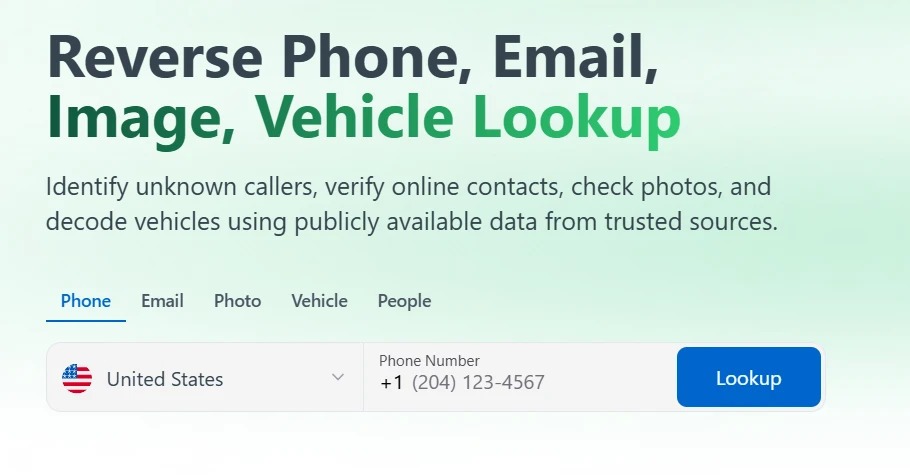
My first search was a phone number. I typed it into the search bar, hit lookup, and the site started to look for information.
The loading screen ticked off things like contacts, images, chat groups, current and past relationships, breached emails, and data sold on the dark web.
After the search was done, it asked for my email to send the report. And right when the results were ready to open, it put up a paywall and asked me to start a trial before I could see anything.
I then paid the trial fee to access the report.
Here’s a summarized view of how I used ClarityCheck and what different things can cost you:
|
What I Searched |
What Came Back |
How It Felt |
Who I'd Recommend It To |
Cost |
|
An unknown phone number |
Possible owners, aliases, linked emails |
Fast because there was no software |
Anyone getting repeat unknown calls |
7-day paid trial for $3.99 |
|
An email from a stranger |
Name and connected profiles |
Simple, one search bar |
People buying and selling online |
$29.99 / 28 days |
|
A profile photo |
Public web mentions |
Results in under a minute |
Anyone meeting a match in person |
Extra credit packs available starting from $24.99 (10 credits) |
|
A used car VIN |
Make, model, available history |
Report readable, not cluttered |
Used car buyers |
Add-ons priced separately |
Now let’s get into the detailed ClarityCheck.com review.
The whole reason I tried ClarityCheck over most of its competitors was that it offers all five lookups in a single subscription.
So I made a point of running each type of check at least once during the week, and I fed most of them my own details first, since I already know what's true about me and can easily verify if ClarityCheck reports accurate data.
Here's what each search returned.
In ClarityCheck's reverse phone lookup, I used my own public number that I also use on my website.
The data returned by the system included a set of names the number was saved under in different databases, a carrier which was correct, a rough location down to the country, and a handful of linked WhatsApp and Facebook accounts.
I found out that people had saved my number under labels tied to old projects and side gigs I'd long forgotten about.
A good chunk of what surfaced was stuff I could dig up myself with a plain Google search of the same number. But that would have required time and effort. ClarityCheck removes this hassle and presents everything in a single report.
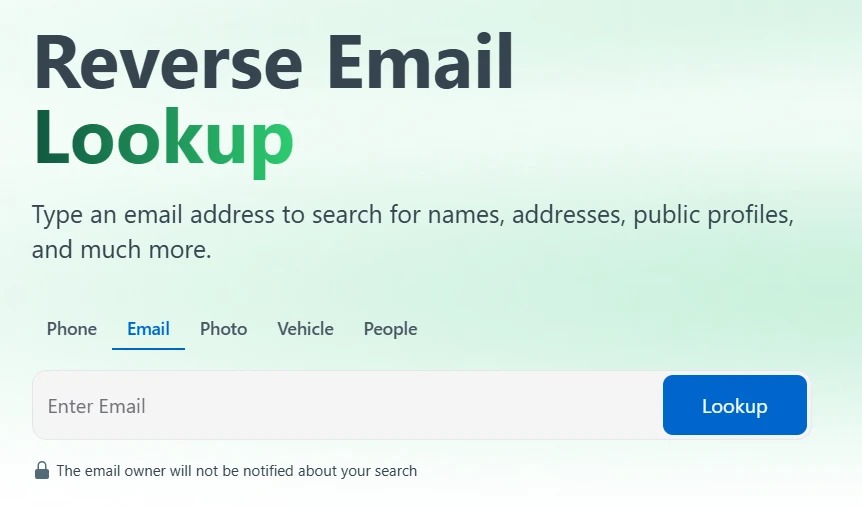
Running an Email Through It
In the email lookup tab, the site plainly mentions that the person you search never gets notified about the lookup.
When you look up an email, the system reveals whether it's tied to registered platforms, and whether it has turned up in any known data breaches.
I ran my own email address through it to see how much it would assemble. The results aligned with where I have registered with my email, and there were no data breaches, since I'm careful about where that particular address gets used.
You should also expect a light report if your email address isn't attached to much public activity.
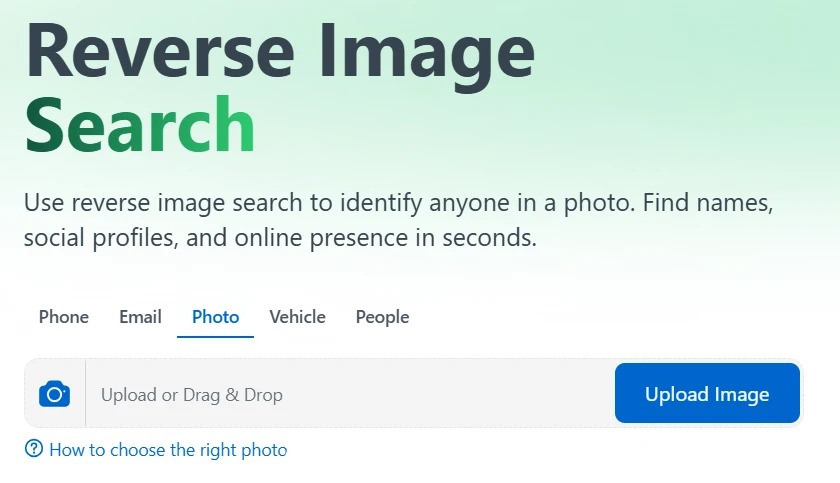
The photo search might sound like facial recognition. The site knows about this wrong impression and clarifies that it isn't powered by facial recognition.
Instead, it simply looks for the same image or something close to it online, like how a reverse image search works. No scanning takes place based on the face(s) inside an image.
I made an image search using my own photo that I already had online, and ClarityCheck pointed me back to the pages using it.
What this showed me is that an image search report largely shows you where an image appears across the public web. So don’t expect a name and address to pop out. You should also act responsibly and only upload images you have the right to use, too.
When I signed up for ClarityCheck, I had zero plans to use the vehicle search. But it was part of the paid plan, so I tried it on a car I had the VIN for.
The platform explicitly mentions that this feature works in the US, Canada, and the EU only.
In return for my search, I was shown a vehicle history report which included ownership records, vehicle specs, insurance details, registration details, and a long list of other details that the system could find online.
Here’s the list of information that ClarityCheck claims it can surface in a VIN lookup:
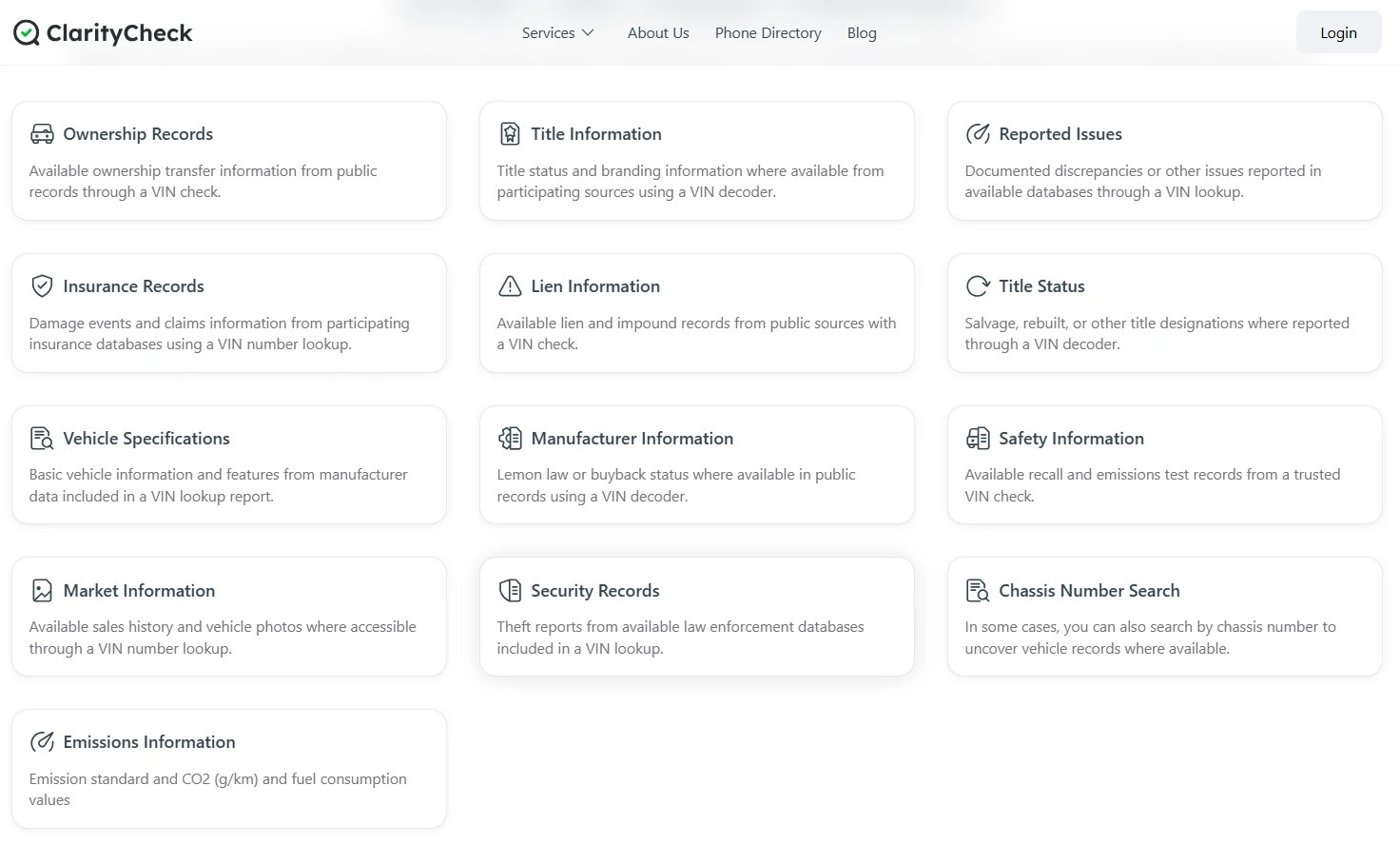
This feature is a handy thing to have if you are about to purchase a second-hand car. But at the same time, you’ll use it for a week or two, maybe, after which the tool won’t be of use to you until the next time. So evaluate the value for money based on your situation and use case.
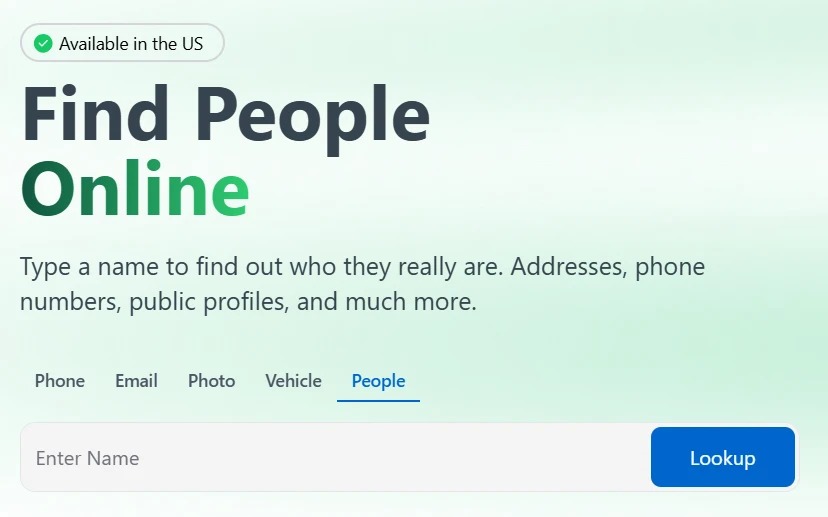
A name isn't unique the way a number is, so the results of a name-based search are only as sharp as the name is uncommon. If your subject has a common name, you're going to get plenty of information about a lot of people.
So this type of search has higher chances of working when you already hold a second detail to line up against what comes back, like a location or an approximate age.
Does ClarityCheck work for this? Sort of, but treat it as the beginning of the digging.
This feature is also available in the US only.
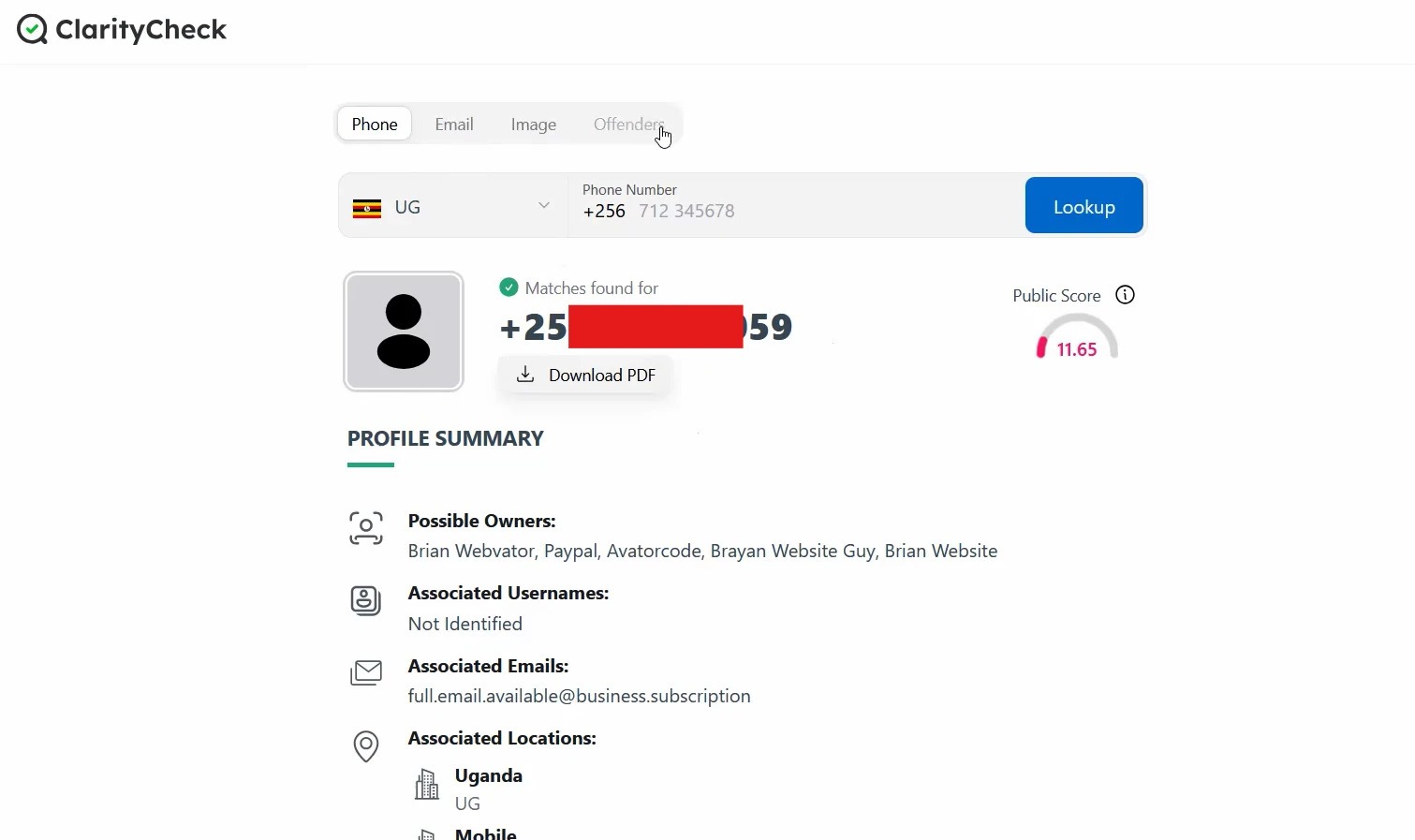
In a ClarityCheck report, the first thing that you’ll see at the top is a report quality score. Mine sat at 11, which I took to mean the report was thin rather than that I'd done anything wrong. It's a rough gauge of how much the site managed to pull together.
After the score, the report is broken into blocks. There's a list of possible owners (of the number or email), associated usernames, associated emails, and locations, each in its own section.
If you scroll further down, you’ll see the sex offender check block and a public accounts panel that names the sources a result came from.
A lot of sections came back empty or close to it, which is a normal thing. For example, you won’t always see anything listed under the dating profiles block or the vehicles category.
Before using ClarityCheck, you should acknowledge that it simply compiles information from different databases without verifying it.
So if a name shows up in a report against a phone number or email lookup, don’t readily believe it to be true.
It would simply mean that someone, somewhere, associated that name with the identifier input by you.
In my lookups, some details were plainly out of date. For example, names from projects I'd wound down years ago still surfaced as if they were current.
The site itself frames its reports as a starting point rather than a statement of fact, and I think that's the right frame. Especially with anything as serious as the sex offender block, you'd verify against the actual registry before you acted on it.
You should also play your fair part in using the tool responsibly. This is a tool for finding out who's calling you or checking someone you're about to meet. It is not for tracking a person, monitoring an ex, or keeping tabs on anyone who hasn't asked to be found. The site is blunt about that in its own disclaimer, and it's worth repeating in mine.
How was ClarityCheck to operate? Here’s my honest review:
The onboarding didn’t feel like it even existed because the tool runs in the browser without requiring installation.
I could run searches on my laptop and pick them back up on my phone without doing anything special.
A single lookup took a couple of minutes at most. There are language options in the footer if English isn't what you want. Nothing about the interface got in my way, which is the nicest thing you can say about an interface.
I didn't hit a problem that forced me to contact anyone, so I won't pretend to know how quick the replies are from the support team.
What I can tell you is what's on offer.
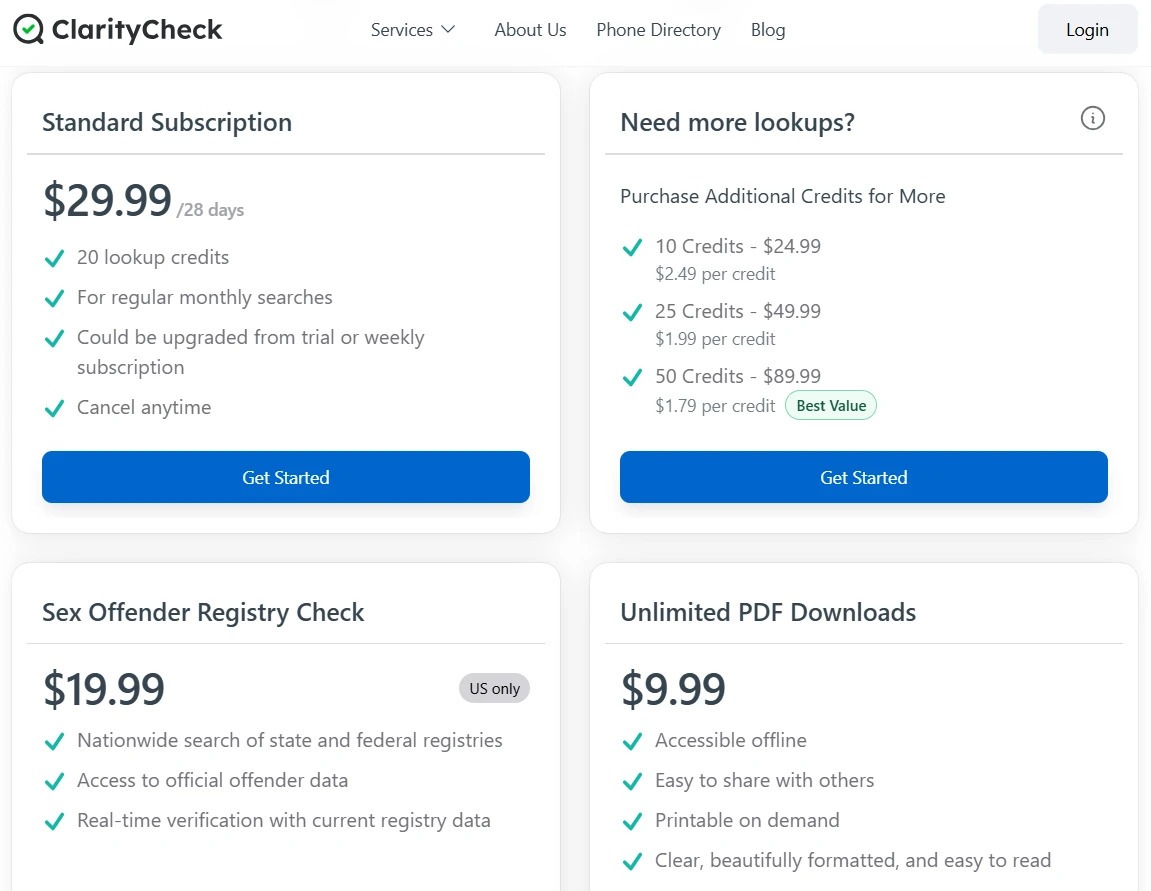
There's a Help Center for the common questions, email support if you need a person, and a postal address listed in Claymont, Delaware.
You’ll find cancellation and refund pages from the footer too.
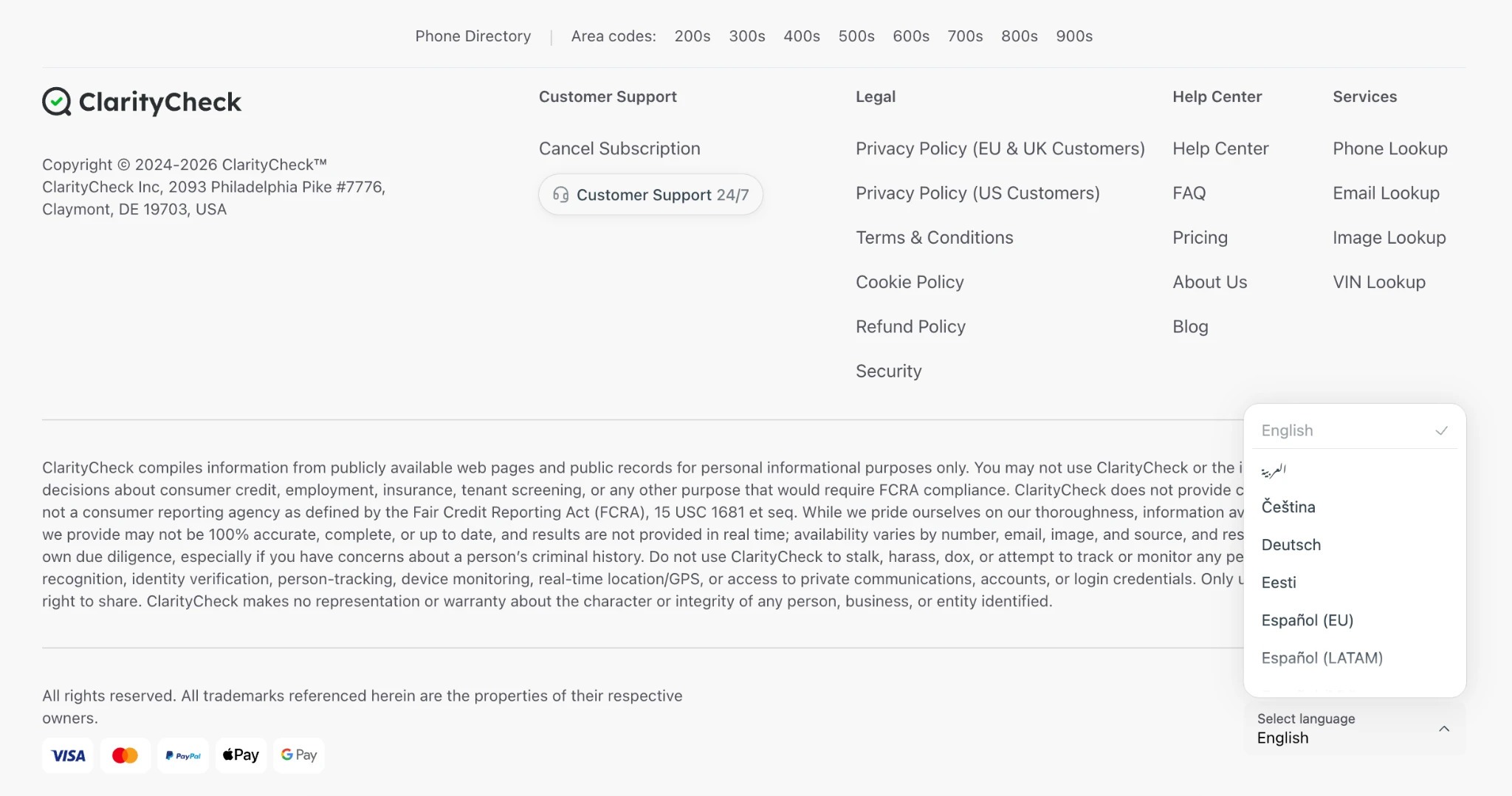
The cheapest entry point to the platform is through the 7-day paid trial that costs $3.99 and provides you with 2 credits. Yes, everything inside ClarityCheck consumes credits.
If you don't cancel the trial within its duration, it converts into the Standard Subscription, and you are automatically charged $29.99 for a 28-day cycle and 20 lookup credits.
If you exhaust your credits before 28 days, additional credit packs are available:
On top of that, two add-ons are billed separately from the subscription.
The Sex Offender Registry Check add-on is $19.99 and covers US records only, and the Unlimited PDF Downloads add-on is $9.99.
Before I committed to ClarityCheck, I compared it against the other lookup services that show up a lot. Here's how they measure up side by side:
|
Platform |
Phone |
|
Photo |
VIN |
People |
Starting price |
|
ClarityCheck |
Yes |
Yes |
Yes |
Yes |
Yes |
$29.99/28 days |
|
Spokeo |
Yes |
Yes |
No |
No |
Yes |
Not listed |
|
BeenVerified |
Yes |
Yes |
No |
Yes |
Yes |
$36.89/month |
|
Intelius |
Yes |
No |
No |
No |
Yes |
Separate plan for each lookup type |
|
TruthFinder |
Yes |
Yes |
No |
No |
Yes |
Separate plan for each lookup type |
Notice how most of these services only offer one or two types of lookups. And even those few types of lookups are offered as separate plans.
Only ClarityCheck offers all 5 types of lookups, that too under a single plan.
That's the difference that decided it for me.
After a week of using ClarityCheck, do I find ClarityCheck legitimate, and would I keep paying for it?
On the legitimacy question, yes, the platform looks legitimate enough. It does what it describes. It searches public sources and assembles them into a report, and it doesn't pretend to be doing anything more mystical than that. Nothing about my week of usage suggested a scam.
Regarding the question of whether ClarityCheck is worth your money, it all comes down to your needs. I'd recommend ClarityCheck to someone who fields calls from unknown numbers or vets people they meet online.
But if you’re hoping to get your hands on verified or private information through ClarityCheck, I'd tell you to skip it, because that isn't what the tool retrieves.
Yes, ClarityCheck is okay to use for the purposes it's built for, i.e., checking who's behind an unknown call, verifying someone you matched with online, etc. The site advises you not to use it to screen someone for employment, housing, or credit, and you cannot use it to stalk, harass, or monitor anyone.
No, ClarityCheck is not free even for a single search. You can use it for 7-days with a paid trial of $3.99, or you can directly subscribe to the paid plan that costs $29.99.
Yes. ClarityCheck draws only on publicly available information, which is what keeps it on the right side of the line. The important legal detail is that ClarityCheck is not a consumer reporting agency under the Fair Credit Reporting Act (FCRA), which the company states plainly itself. In practical terms, that means the reports are legal to buy and read for personal informational use, but using one to make a hiring, tenancy, or lending decision would be a misuse the law doesn't permit.

Wed, 21 October 2026
Thu, 15 October 2026
Wed, 14 October 2026

Tue, 13 October 2026
Wed, 07 October 2026

Fri, 02 October 2026
Wed, 30 September 2026

Tue, 29 September 2026

Fri, 25 September 2026

Tue, 22 September 2026


© 2026 Sprintzeal Americas Inc. - All Rights Reserved.

 USA : +1315-322-7821
 UK : +44 7700 174870
 IND : +919036108287
 AUS : +61 480 005 455