How Certified Professionals Turn a Credential Into Career Momentum
Wed, 21 October 2026

Inspirational journeys
Follow the stories of academics and their research expeditions
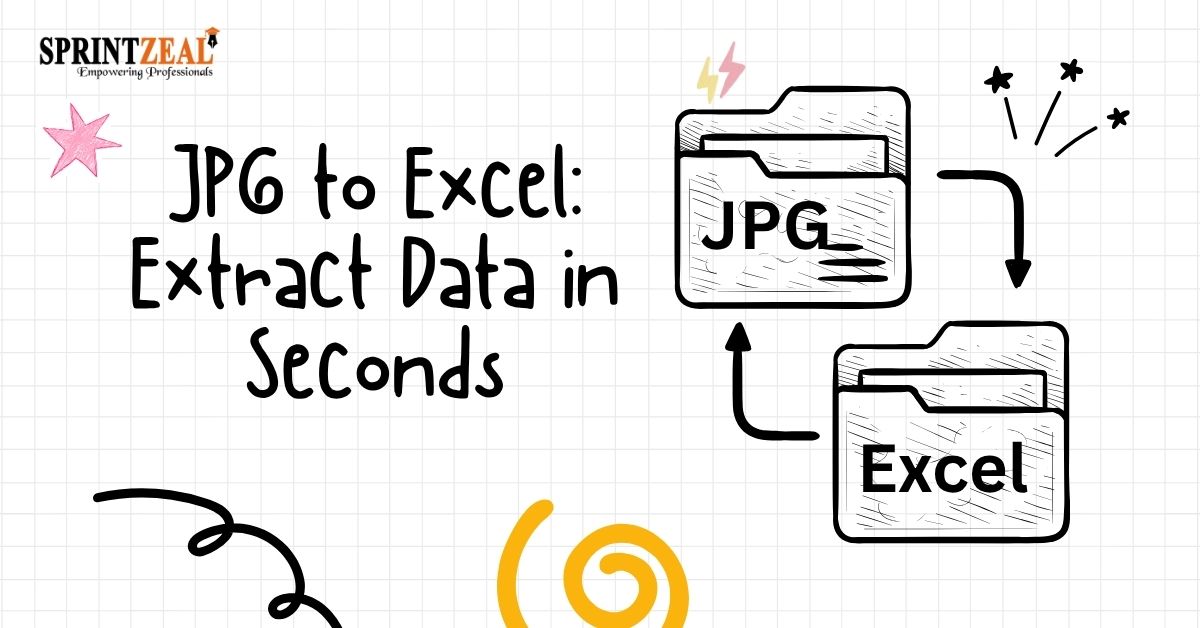
In the modern era, the importance of data is paramount; economists often compare it to oil. However, data is functionally useless until it is extracted and refined for a specific purpose. While businesses have realized its importance, a massive portion of this data remains trapped in static visual formats.
For instance, invoices are normally received as a scanned document, and this data is usually saved as a JPEG file. Consequently, JPG to Excel conversion has become a necessity for a business looking to unlock this static data. Today, digitization is a primary priority for organizations across the globe.
Modern image to Excel converter equipped with advanced Optical Character Recognition (OCR). It has become an operational necessity, especially since modern OCR is built around Artificial Intelligence (AI).
To understand the data extraction process from images, examine how things work behind the scenes. When a computer looks at a JPG image, it only sees static data; it can’t see text, columns, or rows; it sees only a flat grid full of colored pixels.
The 5 steps of the image to spreadsheet conversion are:
Here are some ways in which the online converter resolves corporate problems. Improve data usability for a business while converting static data into dynamic data.
Each business wants to eliminate errors to safeguard its reputation. You can see that an online image to Excel converter ensures that the conversion from image data to Excel cells is handled with maximum accuracy and data integrity.
In the competitive business world, time management is key to satisfying the target market. Once a business can strategically manage its time, it can outsmart its competitors. The AI-supported JPG to Excel conversion helps to save time by quickly extracting data from images and storing it into searchable and editable Excel sheets.
Document layout is one of the critical factors for ensuring data integrity. The image to Excel converter preserves data formatting necessary for the data structure. Invoices lose important data if their actual layout is not preserved.
In the digital arena, data searchability is key to making the data accessible. Digitizing of data is a priority for every business due to cloud networking and quick access to data.
|
Core Business Challenge |
Operational Bottleneck & Risk |
AI-Powered Converter Solution |
|
Data Errors & Compliance |
Manual entry can cause errors due to human factors. Such missing data leads to audit failure. |
Ensure data precision and accuracy, correct facts and figures |
|
Slow Business Cycles |
Staff lose hours rekeying shipping bills or invoices, creating procurement bottlenecks and operational delays. |
Features instant batch processing that converts multi-page documents simultaneously in seconds. |
|
Loss of Document Structure |
Standard text extraction destroys tables, scattering data and ruining the link between headers and values. |
Uses advanced coordinate locking to map data layout perfectly into a clean spreadsheet grid. |
|
Locked & Inaccessible Data |
Information trapped in static JPG files cannot be edited, filtered, searched, or used in equations. |
Breaks the formula barrier, enabling full data manipulation, financial formulas, and instant searchability (Ctrl + F). |
AI-powered JPG to Excel converters do more than the digitalization of data. They eliminate operational friction that hinders business growth. They convert static images into dynamic data to remove the barrier of high-stakes compliance risks. A business can improve overall operational accuracy and speed at the same time. This provides a business with a competitive edge in a marketplace.

Wed, 21 October 2026
Thu, 15 October 2026

Wed, 14 October 2026

Tue, 13 October 2026
Wed, 07 October 2026

Fri, 02 October 2026

Wed, 30 September 2026

Tue, 29 September 2026

Fri, 25 September 2026

Tue, 22 September 2026


© 2026 Sprintzeal Americas Inc. - All Rights Reserved.

 USA : +1315-322-7821
 UK : +44 7700 174870
 IND : +919036108287
 AUS : +61 480 005 455