Inspirational journeys
Follow the stories of academics and their research expeditions
Building a Compliance Workflow: Where Tax Filing Software Fits In
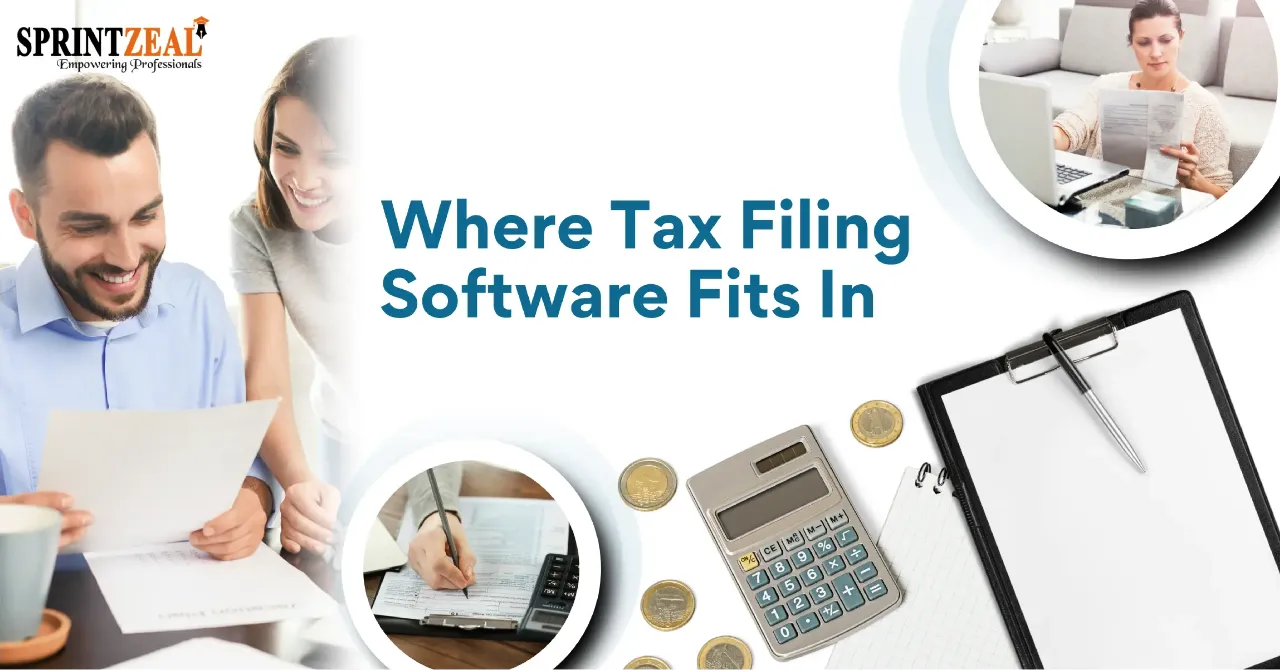
Does tax season turn your business upside down every single year?
Nobody enjoys paying taxes. But did you know that just filing your taxes puts you ahead of almost half of all small businesses? You're not alone. Every business struggles with forms, deadlines, and IRS rules. And every year, those rules seem to get a little bit harder. A solid compliance workflow can help you:
- Stop missing filing deadlines
- Avoid costly IRS penalties
- Save hours of manual data entry
Here's the problem:
Most companies operate without a workflow. They have a disorganized heap of spreadsheets, a folder of W-9s, and chaos every January.
Software alone won't save you. A system will.
The reality is that tax compliance software for businesses is most effective when it’s embedded within a defined, repeatable filing process. By itself, software is simply another tool in your toolbox. However, when you install the correct tax filing software into the proper compliance workflow, it empowers everything you do. That’s why you should select tax compliance software for businesses after you outline your workflow. Not before.
Below, you'll see exactly how to build that workflow, step by step.
What's inside this guide:
- What Is A Tax Compliance Workflow?
- Why Your Business Needs One
- The 5x Stages Of A Simple Compliance Workflow
- Where Tax Filing Software Fits In
- How To Pick The Right Tool
Table of Contents
- What Is A Tax Compliance Workflow?
- Why Your Business Needs One
- The 5x Stages Of A Simple Compliance Workflow
- Where Tax Filing Software Fits In
- How To Pick Tax Compliance Software For Businesses
- Tying It All Together
What Is A Tax Compliance Workflow?
A tax compliance workflow consists of processes your business uses to fulfill its tax responsibilities. This includes gathering information, verifying it, filing documents and record keeping.
Imagine a recipe. Each step occurs in the exact same order every time. Nothing is forgotten because nothing is left to recall.
Business tax compliance software follows this recipe directly. Dedicated 1099-etc compliance software prepares your W-2 and 1099 forms, e-files with the IRS and stores your business tax records all in one place. The software lifts...you tell it what to do with your workflow.
A good workflow answers three simple questions:
- What needs to be filed?
- Who is responsible for it?
- When is it due?
Pretty simple, right?
However, most businesses bypass that step and leap into tool purchasing. Buying a shiny new oven before you know what you'll be baking...
Why Your Business Needs One
Tax compliance takes hundreds of millions of hours every year. Americans spent an estimated 6.93 billion hours complying with the federal tax code just for the 2026 filing season, according to the National Taxpayers Union Foundation.
That's time that could have gone into growing a business.
Businesses pay more than most. One recent study determined that business tax returns cost companies roughly $9,090 per return in staff hours and expenses.
Then there are penalties. The IRS will fine you between $60-$340 per late information return for the 2026 filing season. If you hire many contractors, penalties can quickly add up.
A few missed deadlines can cost far more than any software ever will.
The 5x Stages Of A Simple Compliance Workflow
Every company's compliance workflow is unique. However, most effective compliance checklists go through five basic stages. Here's what they are...
Stage #1: Collect The Right Data
It begins with data. Before you write a check to a new contractor, collect a completed Form W-9 that lists his/her name,address and tax ID number.
Do it now. End-of-year detail chasing with contractors is inefficient and frantic. Just build it into your onboarding process instead.
Stage #2: Check Everything
Bad data leads to bad filings. And bad filings lead to penalties.
Verify names prior to submission against tax ID numbers. Always reconcile payment totals to your records. Note thresholds for reporting. The $600 1099- NEC threshold increases to $2,000 for payments made in 2026. Year may have exceeded previous guidelines.
Stage #3: Set Your Deadlines
Deadlines are the backbone of your whole workflow.
Make a basic tax calendar that lists every deadline for the year. Set reminders for two weeks before each deadline. Finally, assign actual ownership to every deadline.
No owner = no accountability.
Stage #4: File Electronically
Here's the kicker...
If your company files a combined total of 10 or more information returns, you are required by IRS regulations to file electronically. This includes your W-2's and 1099's combined.
Even a small company with only a few employees and contractors can reach this amount without knowing. Paper filing is just not feasible for most companies these days.
Stage #5: Store, Review & Improve
Once your forms are filed, keep safe, searchable copies of everything.
Review the process. What went wrong this year? What took FOREVER? Patch those holes before next year. Literally. It's that easy.
Where Tax Filing Software Fits In
Now to the big question. Where does software actually fit?
The correct answer is stages #2, #3 and #4. Manual work leads to the most errors here - and software saves the most time here.
Good tax filing software can:
- Import payment data straight from your books
- Flag missing or mismatched details before you file
- E-file W-2s and 1099s with the IRS and states
- Send copies to employees and contractors
Think about it:
You enter your data once via upload. The software validates, formats and files it. Your job is to review and approve.
That allows your team to concentrate on tasks that actually move the needle for your business. Steps #1 and #5 still require some personal attention.
How To Pick Tax Compliance Software For Businesses
Ok, no one program will be ideal for all people. However there are certain things all businesses should have.
Look for software that offers:
- E-filing for both federal and state forms
- Built-in error checks
- Bulk data uploads (so you're not typing forms one by one)
- Secure online storage
- Real support from real people
Price is important as well. Some products charge based on each form you file. Others have a flat monthly price. If you only file a few forms per year, per form prices can be less expensive. If you file hundreds of forms per year, a bulk plan will be significantly cheaper.
Make sure you thoroughly test any tool prior to tax season. You don't want to learn new software in late January!
Tying It All Together
Filing taxes doesn’t have to be an annual freak out. Build yourself an easy workflow and assign clear owners, deadlines, and processes to each step. Here’s a quick rundown:
- Collect W-9s before you pay anyone
- Check your data before you file
- Build a tax calendar with real owners
- E-file when you hit 10 or more returns
- Store, review and improve every year
Tax Compliance software for businesses powers that workflow. However, it only runs smoothly when the process surrounding it is strong. Structure the system first, then install the appropriate software...
And watch tax season go from stressful to simple.

Categories
Related Posts

How Businesses Can Reduce Buyer's Remorse
Tue, 13 October 2026
Best Multilingual Call Center Outsourcing Companies
Thu, 24 September 2026

Cashfree vs PayU vs Razorpay: Which Payment Gateway Is Best for Indian Businesses?
Thu, 24 September 2026

Digital Transformation of Administrative Functions: What to Automate First
Wed, 23 September 2026
Customer Data Management for Small Businesses:
Wed, 23 September 2026
Material Selection in Project Planning: Why Polycarbonate Is a Go-To Choice
Tue, 15 September 2026

Building a Compliance Workflow: Where Tax Filing Software Fits In
Tue, 15 September 2026
Employee Experience Management: Key Drivers and How to Improve Them
Tue, 08 September 2026




 USA : +1315-322-7821
 UK : +44 7700 174870
 IND : +919036108287
 AUS : +61 480 005 455