CompTIA Network+ Certification: Complete Career Guide, Skills, Exam Path & Benefits
Wed, 07 October 2026

Inspirational journeys
Follow the stories of academics and their research expeditions
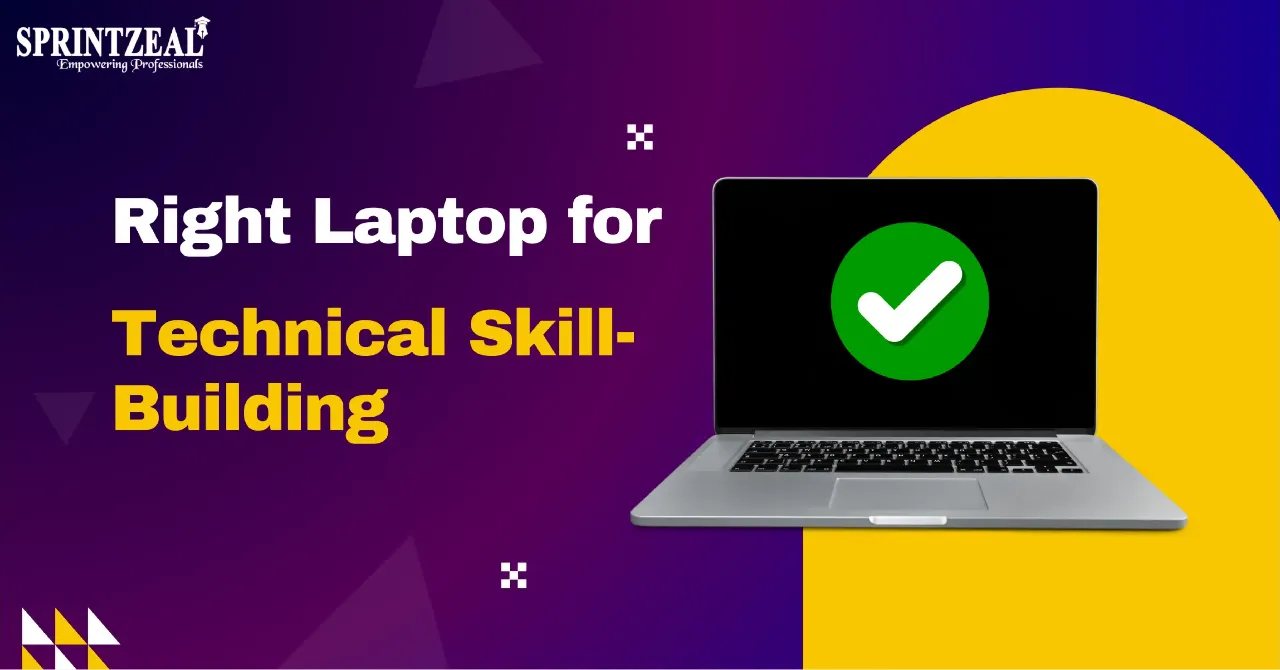
Learning technical skills often requires more than access to courses and tutorials because the computer itself can affect what software, development environments, and practical exercises a learner can comfortably use. Someone looking for stronger hardware at a lower cost may consider a refurb gaming laptop collection featuring previously leased gaming laptops that have been cleaned, inspected, tested, and prepared for resale. Understanding which specifications matter for different technical activities can help learners choose a laptop that supports both their current studies and more demanding projects as their skills develop.
The right laptop depends heavily on the type of technical skills a person intends to develop. Basic web development, introductory programming, and general IT coursework can often be completed on relatively modest hardware. More demanding activities such as machine learning, 3D development, virtualization, and advanced data analysis may require considerably more processing power and memory.
Learners should therefore identify the software and tools commonly used in their chosen field before comparing laptops. Checking recommended system requirements for development environments, virtual machines, design applications, and other programs provides a useful starting point. This prevents someone from paying for unnecessary performance while also reducing the risk of buying hardware that becomes limiting too quickly.
The processor influences how quickly a laptop can perform calculations, compile code, run applications, and handle several processes at the same time. Modern multi-core processors are particularly useful when working with development tools or running resource-intensive software. However, beginners studying basic programming do not necessarily need the fastest processor currently available.
Processor generation can also matter alongside the model name and advertised clock speed. Newer architectures may offer improvements in efficiency and performance even when specifications initially appear similar. Comparing independent benchmarks and the requirements of intended applications can provide a more useful picture than focusing only on branding.
RAM becomes especially important when a learner regularly keeps several applications open while studying or working on projects. A typical session might involve a browser with multiple tabs, a code editor, communication software, documentation, and a local development environment. Limited memory can make this type of multitasking noticeably slower.
Technical fields involving virtual machines, large datasets, containers, or complex development environments can require substantially more RAM. Learners should consider not only what they need today but also what their coursework may involve later. Choosing a laptop with sufficient memory, or one that allows memory upgrades, can help extend its useful life.
Solid-state storage can improve everyday responsiveness by reducing application loading times and allowing files to be accessed more quickly. Technical learners may also accumulate large amounts of data through development projects, virtual machine images, datasets, software packages, and downloaded course materials. Storage capacity can therefore become important sooner than expected.
A smaller drive may be sufficient for someone learning basic coding through browser-based tools and lightweight applications. More advanced technical work can consume hundreds of gigabytes once multiple development environments and project files are installed. External storage and cloud services can help, but having adequate internal storage usually provides a more convenient working environment.
Not every technical learner needs a dedicated graphics processor, so paying extra for one should depend on the intended workload. Web development, office-based IT tasks, database learning, and many programming activities can run effectively with integrated graphics. In these situations, processor performance, RAM, and storage may deserve greater priority.
Dedicated graphics become more relevant for areas such as 3D modeling, game development, video production, GPU-accelerated computing, and some artificial intelligence workloads. A capable GPU can significantly improve performance when software is designed to take advantage of it. Learners interested in these fields should check application requirements before deciding how much graphics performance they actually need.
Cybersecurity, networking, and systems administration courses often involve creating isolated environments where learners can experiment without affecting their main operating system. Virtual machines are commonly used for this purpose because they allow multiple operating systems or testing environments to run on one computer. These activities can place additional demands on the processor, RAM, and storage.
Someone planning to run several virtual machines simultaneously should prioritize memory and multi-core processor performance. Adequate SSD capacity is also useful because virtual machine files can become quite large. Checking whether the processor supports the virtualization features required by specific software can prevent compatibility problems later.
Performance is important, but a laptop used for regular study also needs to be practical. Display quality, keyboard comfort, battery life, cooling, port selection, wireless connectivity, and overall build quality can affect the learning experience. A powerful machine that is uncomfortable to use for long sessions may not be the best choice.
Portability deserves similar consideration, especially for learners who regularly travel between home, work, libraries, or training locations. High-performance laptops can sometimes be heavier and require larger power adapters than general-purpose models. Buyers should balance computing power against how and where they expect to use the device.
Choosing the cheapest laptop available can reduce initial spending but may create additional costs if the hardware needs to be replaced soon afterward. A slightly more capable computer may remain suitable as coursework becomes more advanced and software requirements increase. This makes long-term usefulness an important part of evaluating value.
Learners also do not necessarily need the newest hardware generation to obtain suitable performance. Previously owned equipment can sometimes provide stronger specifications within the same budget, particularly when condition and testing standards are clearly explained. Comparing actual hardware capabilities rather than focusing only on age or original release date can lead to a more informed purchase.
The right laptop for learning technical skills depends on the software, projects, and practical exercises a learner expects to complete. Processor performance, RAM, SSD storage, graphics capabilities, portability, and upgrade options should all be considered in relation to those requirements rather than judged independently. By matching hardware to both immediate learning needs and likely future workloads, learners can choose a computer that provides a reliable platform for developing technical skills without spending unnecessarily.

Wed, 07 October 2026
Tue, 01 September 2026
Fri, 28 August 2026

Wed, 19 August 2026
Fri, 24 July 2026
Tue, 14 April 2026

Thu, 30 January 2025

Tue, 04 February 2025


© 2026 Sprintzeal Americas Inc. - All Rights Reserved.



 USA : +1315-322-7821
 UK : +44 7700 174870
 IND : +919036108287
 AUS : +61 480 005 455