How Split PDFs Improve Document Management in Professional Workflows?
Mon, 17 August 2026
Inspirational journeys
Follow the stories of academics and their research expeditions
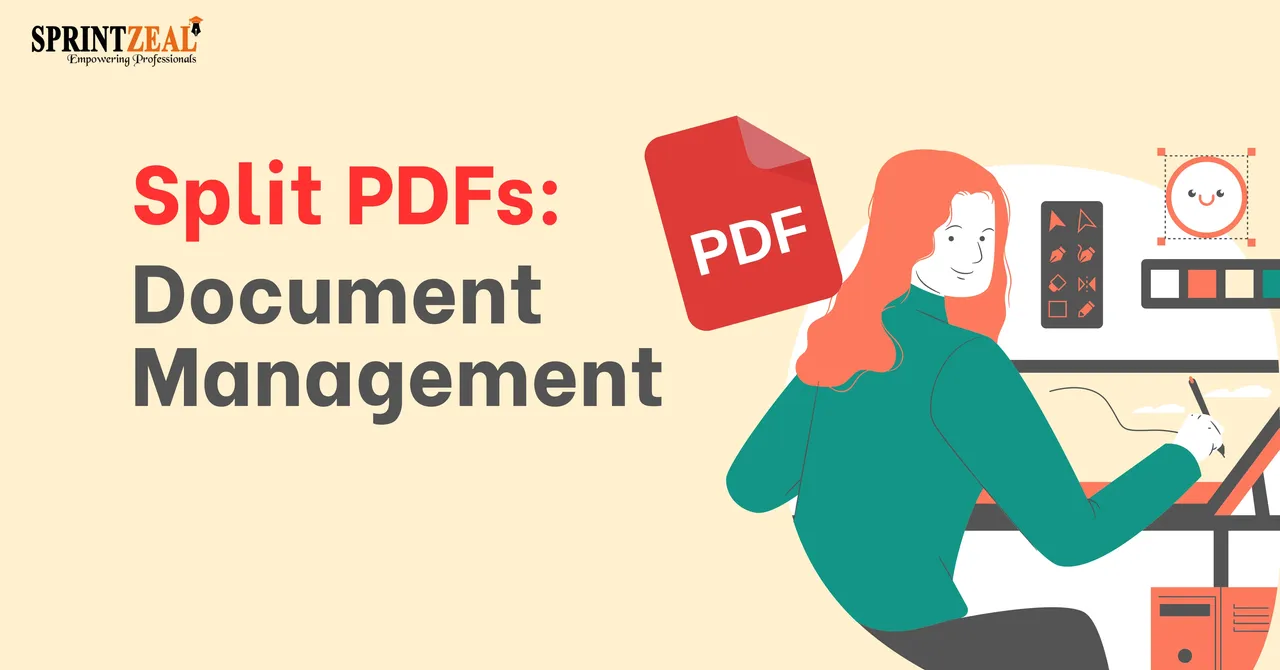
In the competitive corporate environment, efficient document management is necessary for a smooth workflow. Smart document management is the backbone of operational procedures. Professionals in different fields handle tasks involving large PDF files. Normally, professionals go through large volumes of paperwork daily. Daily operations do require the digitization of documents for team collaboration.
Converting physical paperwork into digital PDF files enables efficient workflow. Large PDF files are difficult to share and often slow down team collaboration. You need to split PDF files into manageable sections to enhance the efficiency of workflow and make it possible to distribute required data between multiple teams at once.
Time is money in the business world; that's why it should not be wasted. But handling large PDF files can waste precious time. Scrolling through hundreds of pages to find the desired section is hectic for professionals.
PDF splitting can ensure operational efficiency in multiple ways.
There are unique document management requirements in different industries, making PDF file separation an essential strategy for daily tasks.
Legal professionals regularly need to go through a pile of court documents. When they are preparing for litigation usually need to focus on a specific portion. A targeted PDF splitter tool is handy to extract a specific portion of a huge document. Legal teams collect the crucial evidence without wasting time on irrelevant pages.
Human resources departments handle sensitive information in the completion of their duties. HR goes through employment contracts and performance evaluation reports. By splitting PDF pages, HR can isolate a single employee's records from the whole organizational data. Each employee's private data remains secure and shared only with authorized personnel.
Finance goes through hundreds of PDF invoices and receipts every month. Managing these massive files can slow down payment cycles. With a PDF splitting tool, accountants can easily break down bulk documents into individual files. Ensure quick audits for specific vendor transactions. Accounts take out specific information from thousands of PDF pages to balance their transactions.
Splitting large PDF files into manageable portions improves overall operational efficiency. It is vital for smooth workflows in a competitive business environment. You can safeguard sensitive data and optimize storage capacity. Just split PDFs to improve overall team efficiency and workflow. It empowers teams to work smarter and achieve organizational goals. They can access the required data quickly without delays.
Why does splitting large PDFs improve team collaboration?
Splitting large PDF files helps to share only the relevant sections with team members. It improves team communication to achieve organizational goals.
Can PDF splitting help resolve email attachment size limits?
Yes. Email attachments have size limits, so breaking down large documents into smaller PDF segments ensures successful data upload without delays.
How does separating PDF pages protect confidential information?
Splitting lets you isolate sensitive data to make it password-protected. It allows you to share non-sensitive PDF segments safely.
Why is PDF splitting useful for human resources departments?
HR can single out employees' records to evaluate their performance. So it ensures private data stays secure and confidential.
How do financial teams benefit from dividing bulk invoices?
Accountants can quickly audit specific customer ledgers and extract particular information. So PDF data separation ensures secure payment cycles.

Mon, 17 August 2026
Fri, 14 August 2026

Fri, 31 July 2026

Thu, 30 July 2026

Wed, 29 July 2026

Wed, 29 July 2026
Thu, 23 May 2024

Tue, 04 March 2025

Thu, 29 May 2025


© 2026 Sprintzeal Americas Inc. - All Rights Reserved.


 USA : +1315-322-7821
 UK : +44 7700 174870
 IND : +919036108287
 AUS : +61 480 005 455